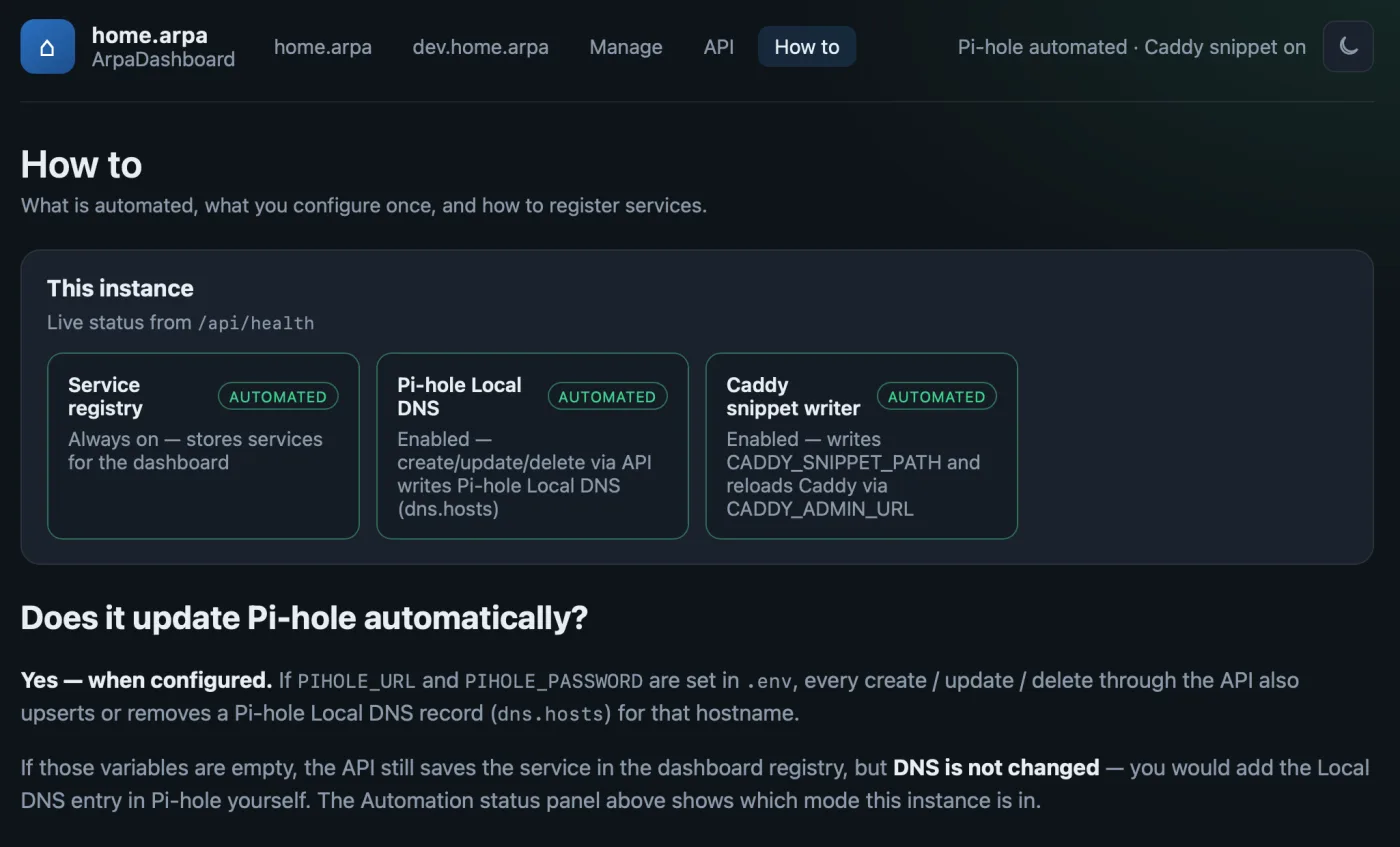
A home-lab control panel for naming and publishing internal services under home.arpa (RFC 8375), the reserved domain for residential networks. It is where I test the infrastructure patterns I use at Bluefate Labs: real services on a private LAN.
Home labs get messy fast: containers on a NAS, Pi-hole on a Raspberry Pi, apps on a laptop, each with a different IP and port. Remembering raw addresses does not scale, and hand-editing DNS plus reverse-proxy config for every service is easy to get wrong. ArpaDashboard gives you one place to see what is running and register services through a protected API, with optional automation for Pi-hole DNS and Caddy HTTPS.
What it does
>Browser dashboard of lab services, grouped the way you work (NAS, git, WIP apps, and more)
>Protected API to register a service by name, zone, IP, and port
>Optional Pi-hole Local DNS sync so create/update/delete stays in one place
>Optional Caddy snippets for HTTPS names without typing ports
>Separate zones: stable services on *.home.arpa, laptop/WIP on *.dev.home.arpa
Built for private LANs and VPNs only, not the public internet. Run it on Docker next to Pi-hole and Caddy, or adapt the same pattern to your own stack.
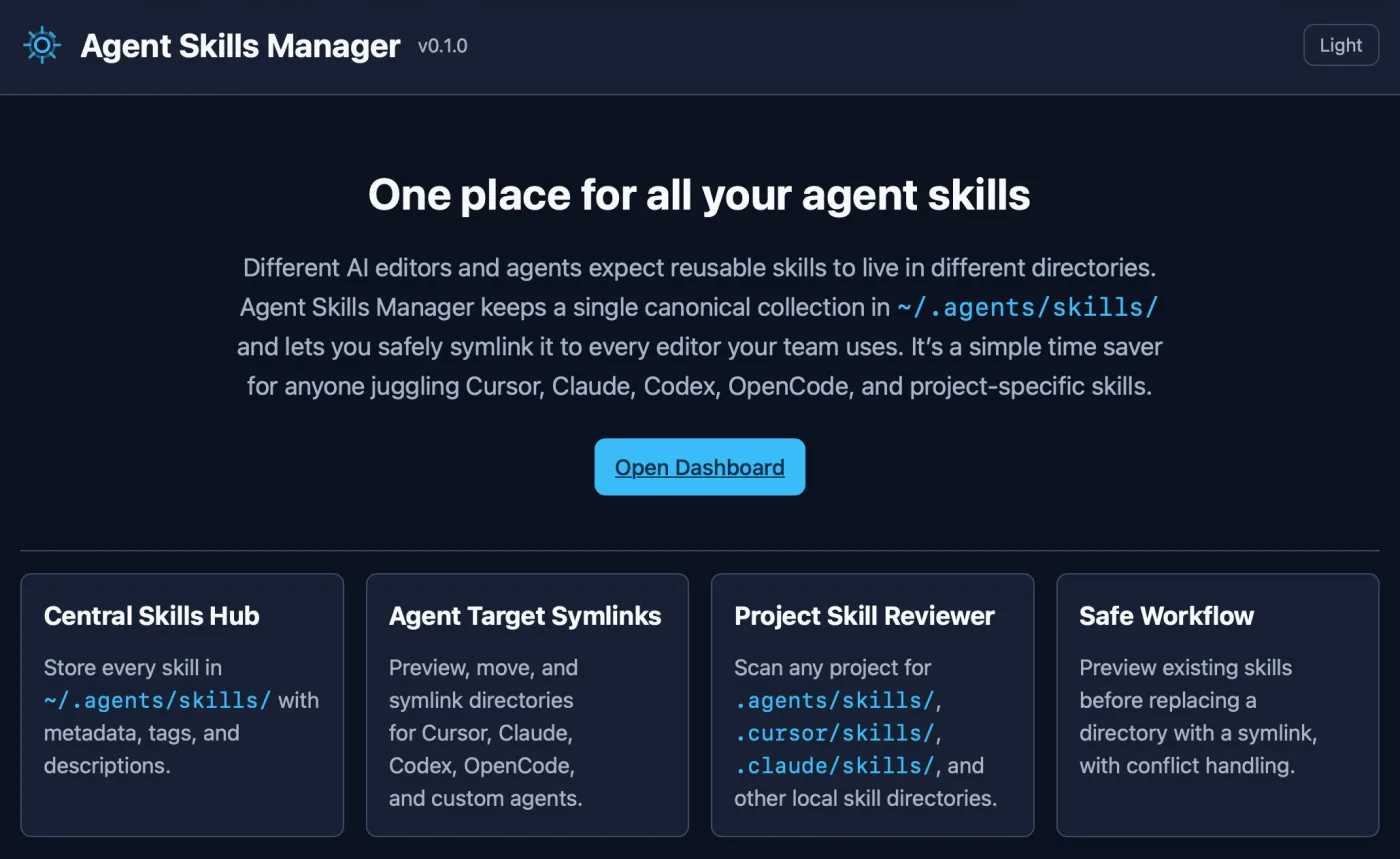
A small, open-source web application that helps you maintain one canonical directory for your AI agent skills and keep every editor and project in sync using symlinks.
Different agents and editors expect skills in different places: ~/.cursor/skills/, ~/.claude/skills/, ~/.codex/skills/, ~/.config/opencode/skills/. This tool keeps everything in ~/.agents/skills/ and lets you safely preview, move, and symlink those other locations so every editor reads from the same source.
What it does
>Central Skills Hub: manage all skills from ~/.agents/skills/
>Agent Target Management: built-in targets for Cursor, Claude, Codex, and OpenCode; add custom targets dynamically
>Safe Symlink Workflow: preview directories, move existing skills into the hub, and create or remove symlinks with conflict handling
>Project Skill Reviewer: scan any project for agent skills directories and import them into the central hub
>Web Admin UI: fully self-contained dashboard; no manual CLI steps needed after launching the server
Shipped as a Python package with FastAPI and a self-contained web admin UI. Install it with pip, run it, and manage skills without touching the CLI.